(download: shThemeDefault.css)
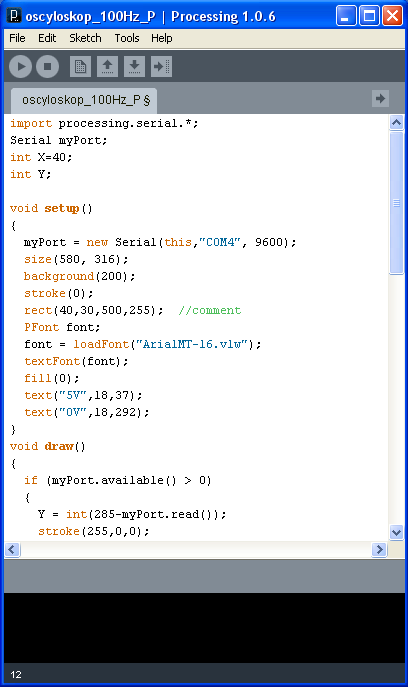
Syntax-highlighting for Processsing code (022; 01.10.2009; processing)
Brush for Processing language: shBrushProcessing.js.
Add at the end of style (shThemeDefault.css) this lines:
.syntaxhighlighter .color4,
.syntaxhighlighter .color4 a
{
	color: #006699 !important;
}

.syntaxhighlighter .color5,
.syntaxhighlighter .color5 a
{
	color: #CC6600 !important;
}
Remember to add this line at website source:
<script type="text/javascript" src="js/shBrushProcessing.js"></script>
Brush aliases: Processing, processing.
Simple presentation:
import processing.serial.*;
Serial myPort;
int X=40;
int Y;

void setup()
{
  myPort = new Serial(this,"COM4", 9600);
  size(580, 316);
  background(200);
  stroke(0);
  rect(40,30,500,255);  //comment
  PFont font;
  font = loadFont("ArialMT-16.vlw");
  textFont(font);
  fill(0);
  text("5V",18,37);
  text("0V",18,292);
}
void draw()
{
  if (myPort.available() > 0)
  {
    Y = int(285-myPort.read());
    stroke(255,0,0);
}
Note: I changed default Processing1.0.6 comments color from gray to green.

